



Why Some Spaces Look Better on Camera Than in Person
April 24, 2026
You might walk into a room and feel let down because it does not look as good as the photos you saw online. Or a restaurant may seem amazing on social media but feel small and dark when you visit. There are clear reasons why camera photos and real life look different.
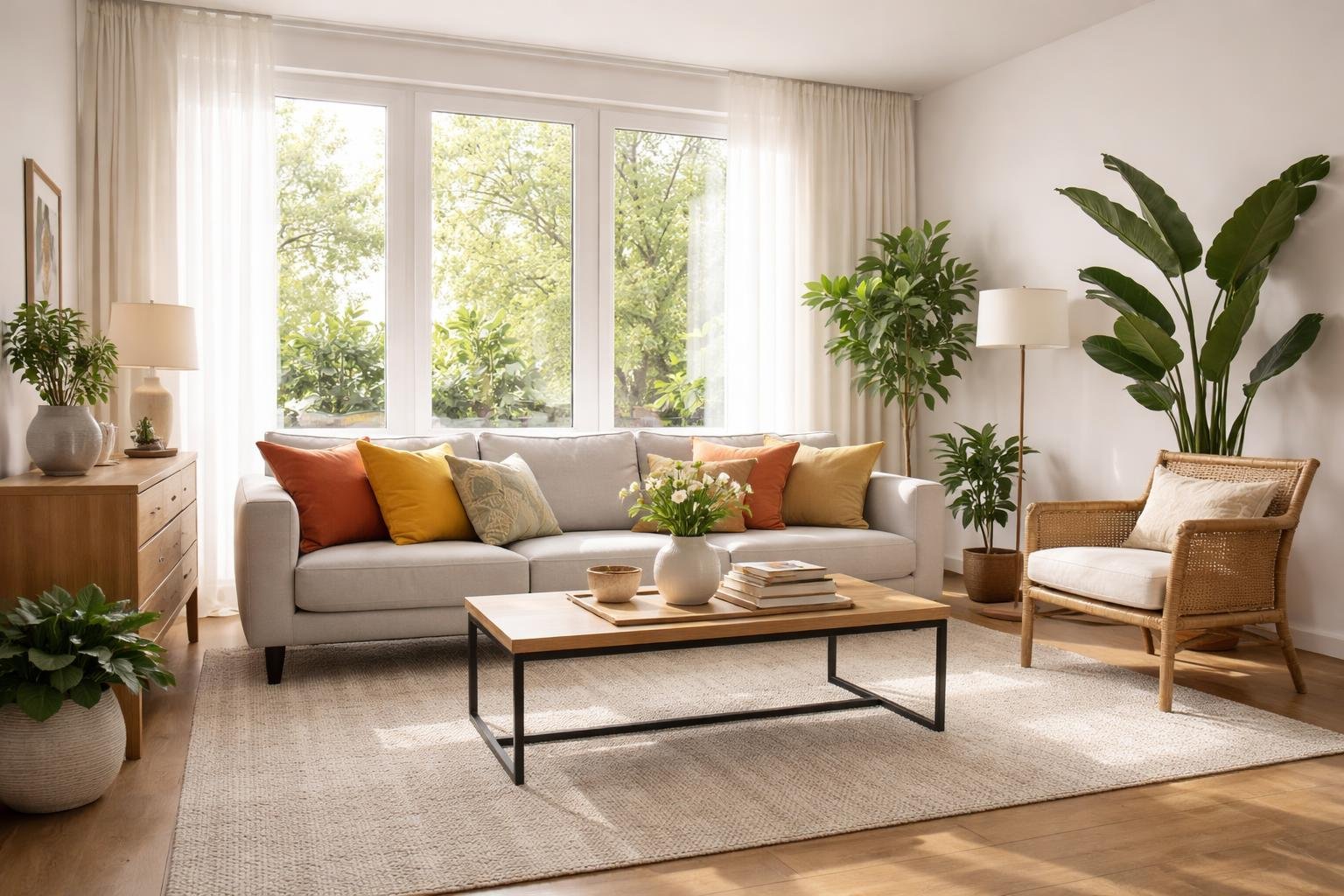
Cameras turn 3D spaces into flat 2D pictures, which changes how depth, light, and size look. Your eyes move and use side vision to judge a room. A camera takes one fixed picture with set focus and brightness. The lens, angle, and lighting the photographer uses can make a small room look bigger or a large room look emptier.
Knowing this can help you set realistic expectations when you see places online. You will learn what a camera hides or highlights, what tricks photographers use, and how to tell if a space truly looks good or if the photo is just clever.
Why Some Spaces Look Better on Camera Than in Person
Sometimes a room looks great in a photo but not as nice when you stand in it. Here are easy reasons why that happens and simple tips to make a space look good in real life too.
Why this happens
- Lighting: Cameras can add light or use flash. This hides shadows and makes colors brighter. Your eyes see the actual light and can notice flaws.
- Exposure and contrast: Photos can make bright areas brighter and dark areas darker. That can make a room look cleaner and sharper than it really is.
- Color and saturation: Cameras and editing can make colors stronger. That can hide faded paint or stains you would see in person.
- Lens and angle: Wide lenses make rooms seem bigger. Photographers pick good angles to hide bad views. In person you move around and see everything.
- Depth of field: Cameras can blur the background so one part stands out. In real life everything is in focus, so mess or clutter is easier to see.
- Staging and editing: Photos are often set up and edited. People move things, add props, and remove marks. You see the room as it really is.
Simple ways to make a space look good in person
- Improve lighting: Add lamps, use brighter bulbs, and open curtains for daylight.
- Reduce shadows: Use more than one light so dark corners are lighter.
- Declutter: Put away small items. Use boxes or drawers to tidy surfaces.
- Use color and contrast: Add a bright pillow, rug, or piece of art to draw the eye.
- Clean and fix: Wash surfaces, patch holes, and remove stains. Clean rooms look better.
- Add plants or mirrors: Plants add life. Mirrors reflect light and make rooms feel larger.
- Stage like a photo: Arrange furniture for a clear view, keep surfaces simple, and add a few nice items.
Quick tips
- Look at the room from different angles and fix any bad views.
- Use warm light (soft white) to make rooms feel cozy.
- Put down area rugs to define parts of a room and add color.
- Keep surfaces clear of too many small items.
Knowing why some spaces look better on camera than in person helps you change the room so it feels as nice as the photo. Small changes can make a big difference.
Key Visual Elements That Translate Differently on Camera
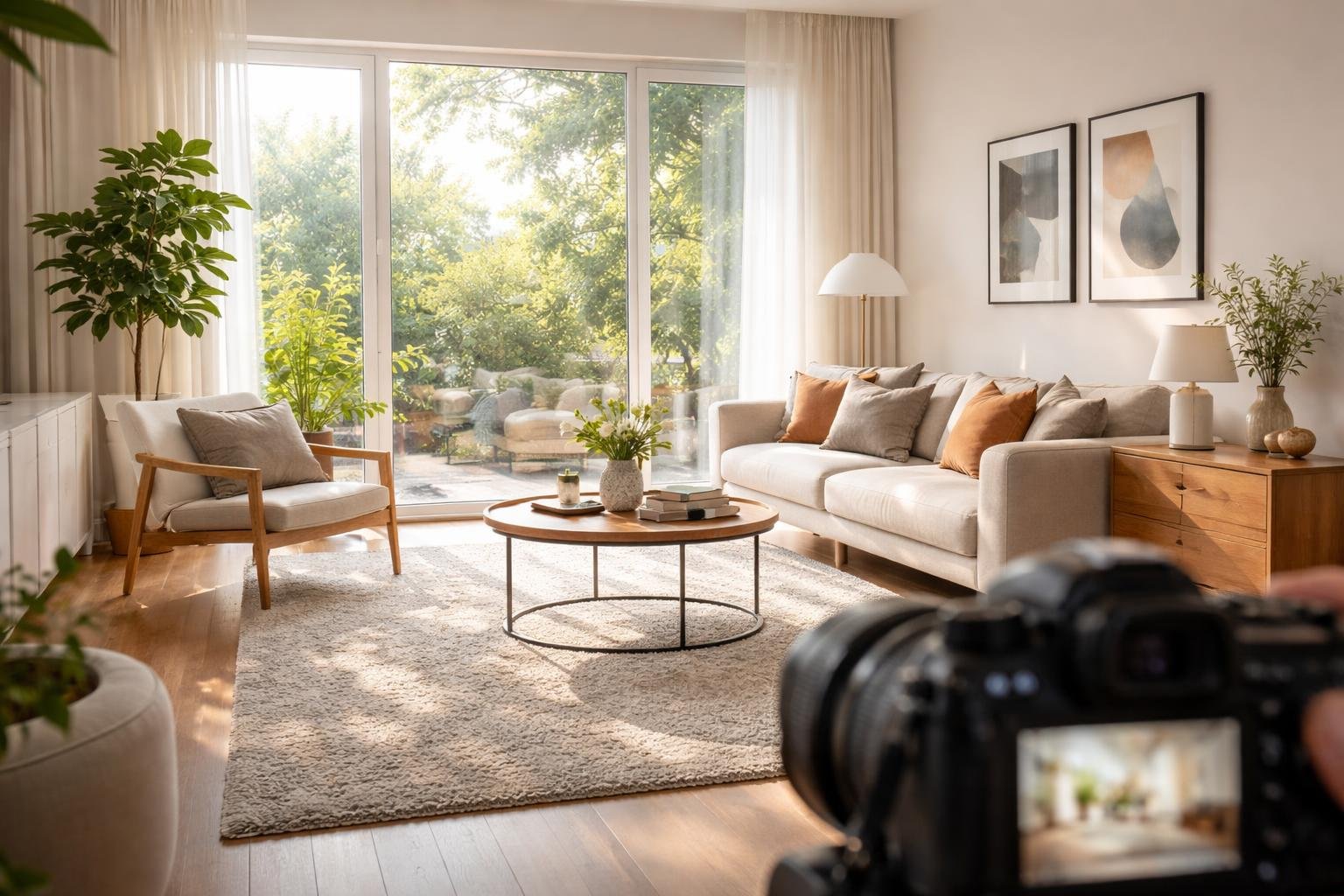
Why Some Spaces Look Better on Camera Than in Person
Have you noticed a room can look great in a photo but just okay in real life? Here are simple reasons and easy fixes so a place looks good both on screen and in person.
Big Reasons
- Lighting: Cameras can make light softer or warmer. Photographers use studio lights to hide flaws. Real life light can be harsh or uneven.
- Camera Lenses: Wide lenses make rooms look bigger. They change how far away things look.
- Angles and Staging: Photographers pick the best angle and tidy up the room. In real life you walk around and see different angles.
- Editing: Photos are often brightened and color-corrected. Editing hides small problems.
- Less Clutter in Photos: Photos usually show only the best parts. Real life has more stuff and personal items.
- Color and Contrast: Cameras and screens can boost color and contrast. Materials may look duller or different up close.
- Depth and Scale: Photos flatten space. This can hide awkward layouts or make furniture look like it fits better than it does.
Why Your Brain Sees It Differently
When you look at a photo, your brain focuses on one view. In real life your eyes move and you notice many details. That makes differences stand out more.
Tips to Make Spaces Look Better in Person
- Use good, even lighting: Add lamps and dimmers. Use soft, warm bulbs to cut harsh shadows.
- Declutter: Keep surfaces tidy. Put away small items that draw the eye.
- Pick the right colors: Mid-tone wall colors hide marks and do not reflect too much light.
- Check scale: Choose furniture that fits the room. Avoid pieces that are too big or too small.
- Use mirrors: Mirrors bounce light and make a room feel bigger.
- Texture and layers: Add rugs, pillows, and plants to make a space feel warm and real.
- Test with your phone camera: Take a few photos from different angles. Photos can show problems you miss in person.
Quick Summary
Photos can hide flaws and boost good features with lighting, lenses, angles, and editing. To make a space look as good in person as it does on camera, focus on even light, tidy spaces, correct scale, and a few simple design choices.
Keyword: why some spaces look better on camera than in person
Cameras see light, color, and space in a different way than your eyes and brain. That is why a room can look better in photos than it does in real life.
Lighting and Exposure Effects
Your eyes change fast to different light levels. When you walk from a bright place to a dim corner, your pupils and brain adjust so you can still see details.
Cameras can’t do that. They pick one exposure for the whole picture. This can make bright areas look washed out or dark areas lose detail.
Key differences include:
- Your eyes handle a very wide range of light
- Most cameras capture a smaller range
- Cameras must choose one exposure for the entire image
- Your brain fills in details that a camera may miss
Indoor lights add another problem. A room that feels warm to you may look too yellow or orange in a photo because the camera reads light color differently than your eyes do.
Color Representation and White Balance
The colors you see depend on how your brain reads light from your eyes. Your brain changes how it sees colors to match different lights and uses memory to help you recognize colors.
Cameras use a white balance setting to decide what "white" looks like under the current light. If the white balance is wrong, a whole room can look too yellow, too blue, or have other color tints that you did not notice in person.
Your brain also uses clues from nearby objects and past experience to fix colors. For example, you know a white wall is white even under yellow bulbs. A camera will record the yellow unless you change the white balance.
Spatial Distortion from Lenses
Camera lenses bend and change how space looks in ways your eyes do not. Wide-angle lenses can make rooms look bigger but can also stretch or warp the edges. Things close to the camera can look long, and things far away can look very small.
The focal length of a lens affects how depth looks in photos. Wide lenses make the distance between near and far objects look bigger. Telephoto lenses make that distance look smaller and flatter.
Your eyes act somewhat like a 50mm lens on a full-frame camera, but they also move, focus, and use two eyes together. Your brain combines all that information, so places often look different in person than in a photo.
Techniques and Tools That Make Spaces Look Better on Camera
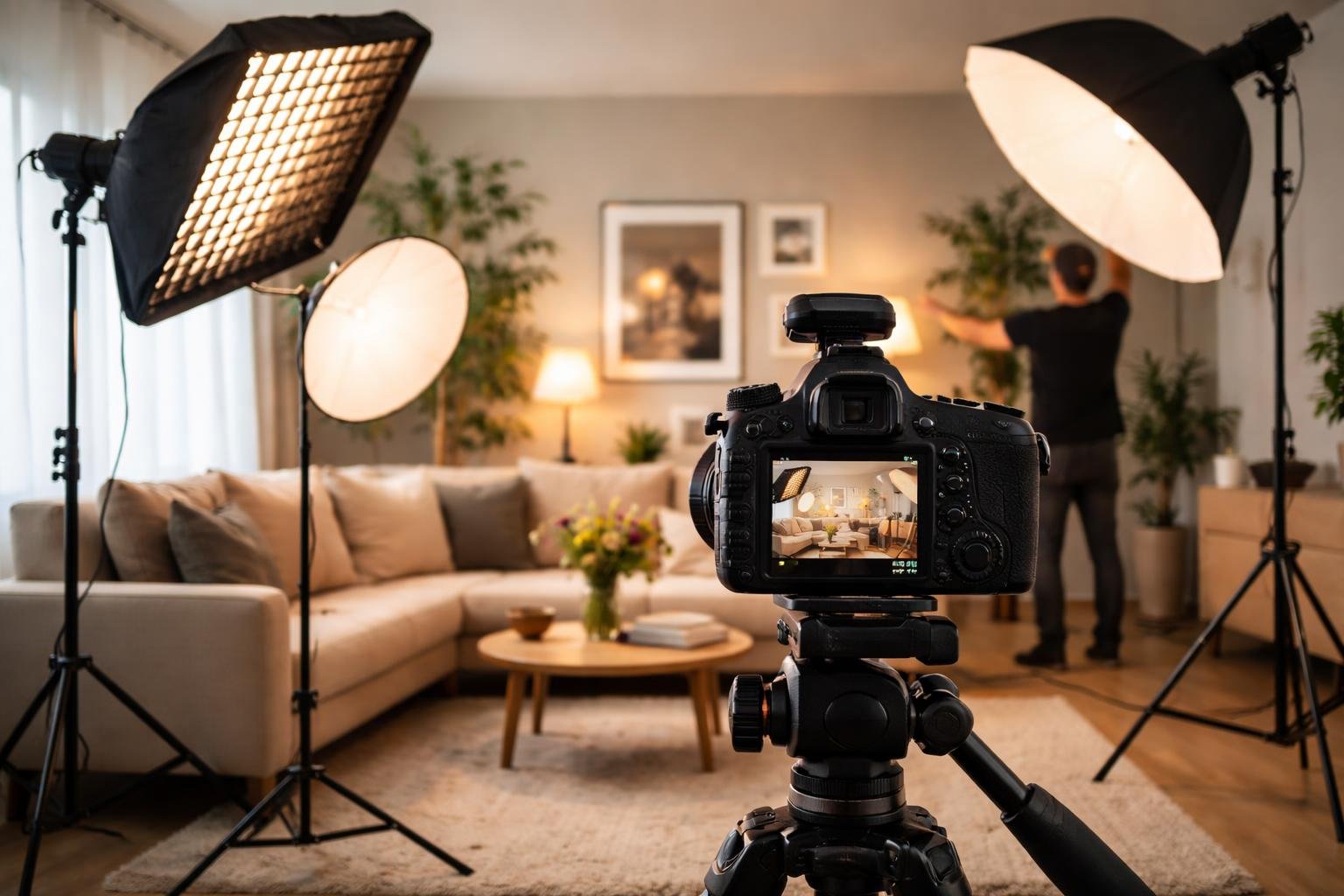
People who work with cameras use simple tricks to change how a room looks on screen. They move things, set up lights, and edit images so the space looks nicer than it may in real life.
Staging and Styling
Staging means setting up a room so it looks good on camera. This can be as easy as taking away clutter, moving furniture, and placing objects where the camera likes them. Small changes can make a big difference.
Framing is about where the camera points and what it shows. The camera can hide messy parts and show the best parts. Using a wide-angle lens can make a small room look bigger. Where the camera sits can remove distractions you would notice in person.
Lighting is one of the strongest tools. Good lighting can add depth and reduce harsh shadows. Using a few lights in the right places makes a room look more three-dimensional. Changing the light color (warmer or cooler) also changes the mood of the space on screen.
Post-Production Enhancements
Digital editing tools let you change how a filmed space looks. Color grading changes hue, saturation, and brightness to make the image match your idea. You can make a cold room feel warm, cool down a warm room, or create a mood by changing colors.
Common post-production adjustments include:
- Contrast and exposure fixes
- Making the image sharper and clearer
- Vignetting to focus attention
- Fixing lens distortion
- Reducing digital noise
You can also use compositing to swap backgrounds, remove things you do not want, or add objects that were not there during filming. These tools let you fix problems that would be expensive or hard to fix on set.
Frequently Asked Questions
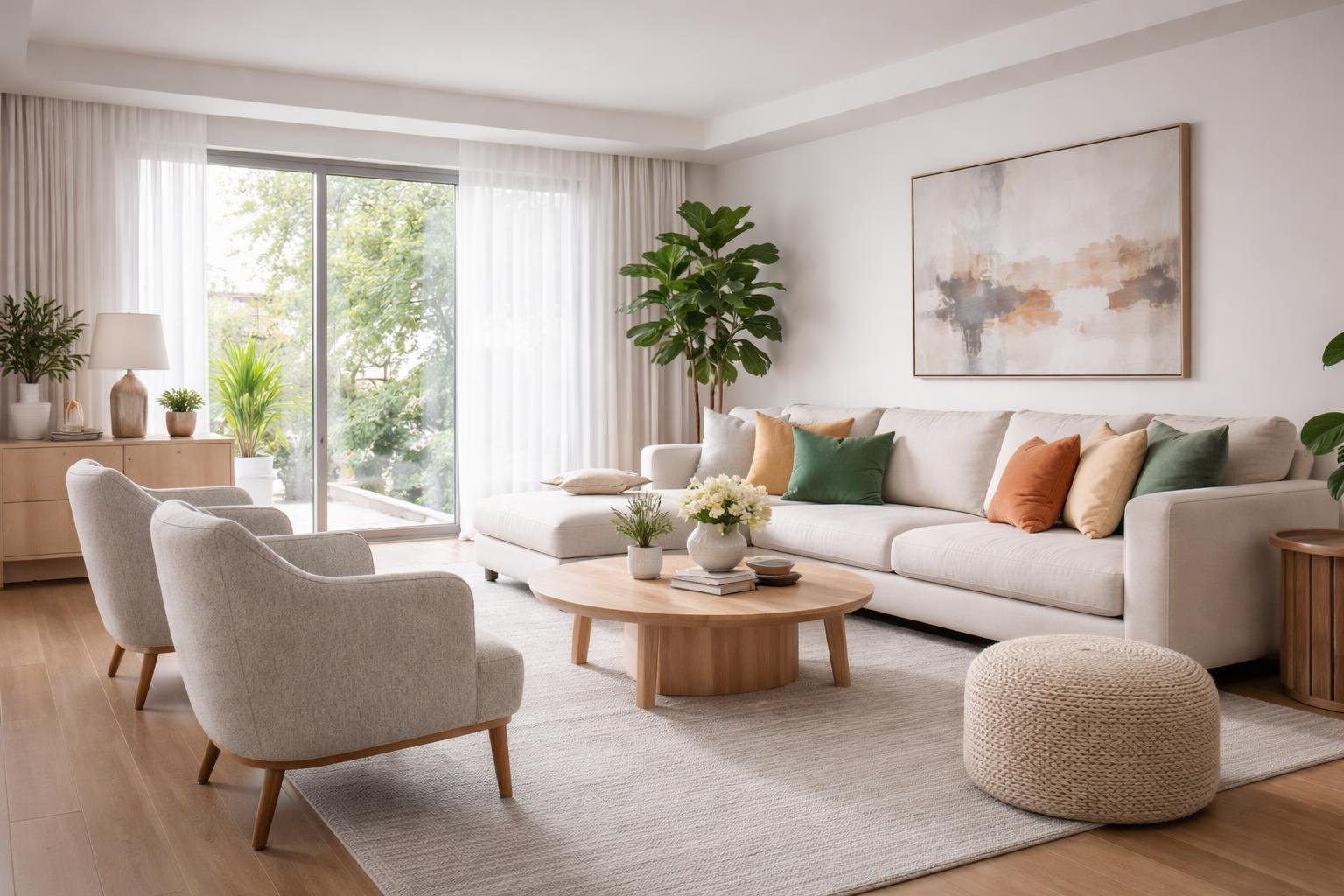
People often ask why some spaces look better on camera than in person. Cameras and our eyes see things differently. Lenses change how wide or deep a room looks. Camera sensors capture light differently, and editors can change colors and contrast. Together, these things can make a space look larger, brighter, or more balanced on screen than it does in real life.
What camera and lens factors make a room appear larger or more flattering in photos than in person?
Wide-angle lenses show more of a room in one picture, so the space looks bigger than it really is. They make distances between walls seem longer. The lens focal length also matters: very short focal lengths like 16–24mm make spaces look wide, while a 50mm lens shows a view closer to what your eyes see.
How do lighting direction and color temperature change how a space looks on camera versus to the human eye?
Your eyes adjust to different lights automatically, but a camera records the light as it is. A room lit by warm bulbs can look orange in a photo even if it seems normal in person. Cameras react differently to sunlight and indoor lights, so mixing window light and lamp light can make colors look off in photos.
The direction of light also changes shadows and contrast more in photos than in real life. Light from the side can make textures and shadows look stronger in an image, while your eyes tend to smooth those details out.
Why can a phone camera make walls, ceilings, or corners look different than they appear in real life?
Phone cameras often use ultra-wide lenses that bend the edges of the picture. Straight walls may look curved, and corners can seem stretched or squashed depending on where they sit in the frame. This lens distortion changes how architectural lines look: vertical lines near the edge can lean in or out, making ceilings seem taller or shorter.
Your brain also helps correct perspective as you move through a room, but a photo freezes one view. That fixed view keeps angular distortions that your eyes would normally ignore.
How do wide-angle lenses and perspective distortion affect the perceived proportions of a space in photos?
Wide-angle lenses make the space between the front and back of a room look bigger. Things close to the camera look much larger, and things farther away look smaller than they really are.
The height and angle of the camera make these effects stronger. Shooting from low makes the ceiling look taller, while shooting from high can squash the room’s height.
Lines that face the camera stay straight, but anything at an angle can look stretched. Corners, furniture edges, and details can shift and give a wrong idea of depth and size.
What role do staging, decluttering, and framing choices play in making interiors look better in images?
Photographers remove extra items to make shots look cleaner. Small personal things, cords, and clutter that might be easy to ignore in person can distract in a photo.
Placing furniture in certain ways helps lead the viewer’s eye through the picture. Arranging pieces at angles can create the feeling of depth that may not match how the room is usually set up.
Framing chooses what to show and what to hide. The camera can be placed to leave out damaged walls, awkward areas, or parts of the room that do not look good.
How do HDR and image processing features influence the realism of brightness and color in interior photos?
HDR mixes pictures taken at different brightness levels so both bright windows and dark corners show detail. Our eyes can adjust to see both, but a single regular photo usually cannot.
This processing makes the light in the photo look more even than it is in real life. Shadows can look lighter and bright spots less intense than in the real room.
Editing tools increase color and contrast so rooms look more vivid. Wall colors, whites, and design pieces can seem stronger and more attractive in photos than they do in person.