


The One System That Makes Your Home Feel Finally Under Control
April 5, 2026
Your home should work for you, not against you. When lights, temperature, security, and entertainment all need separate attention, daily life becomes more complicated than it needs to be. A smart home control system brings everything together under one interface, letting you manage your entire house from a single point.
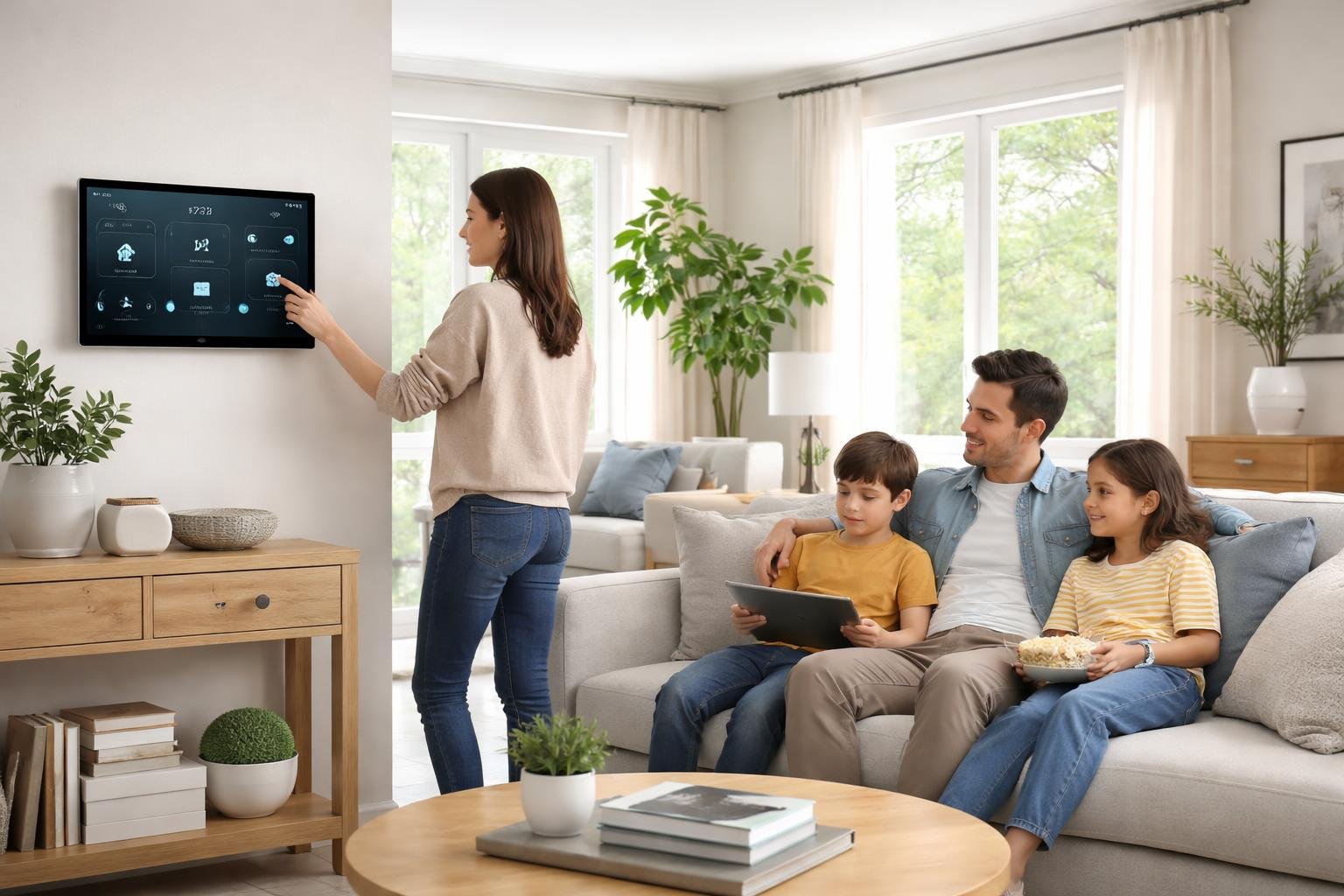
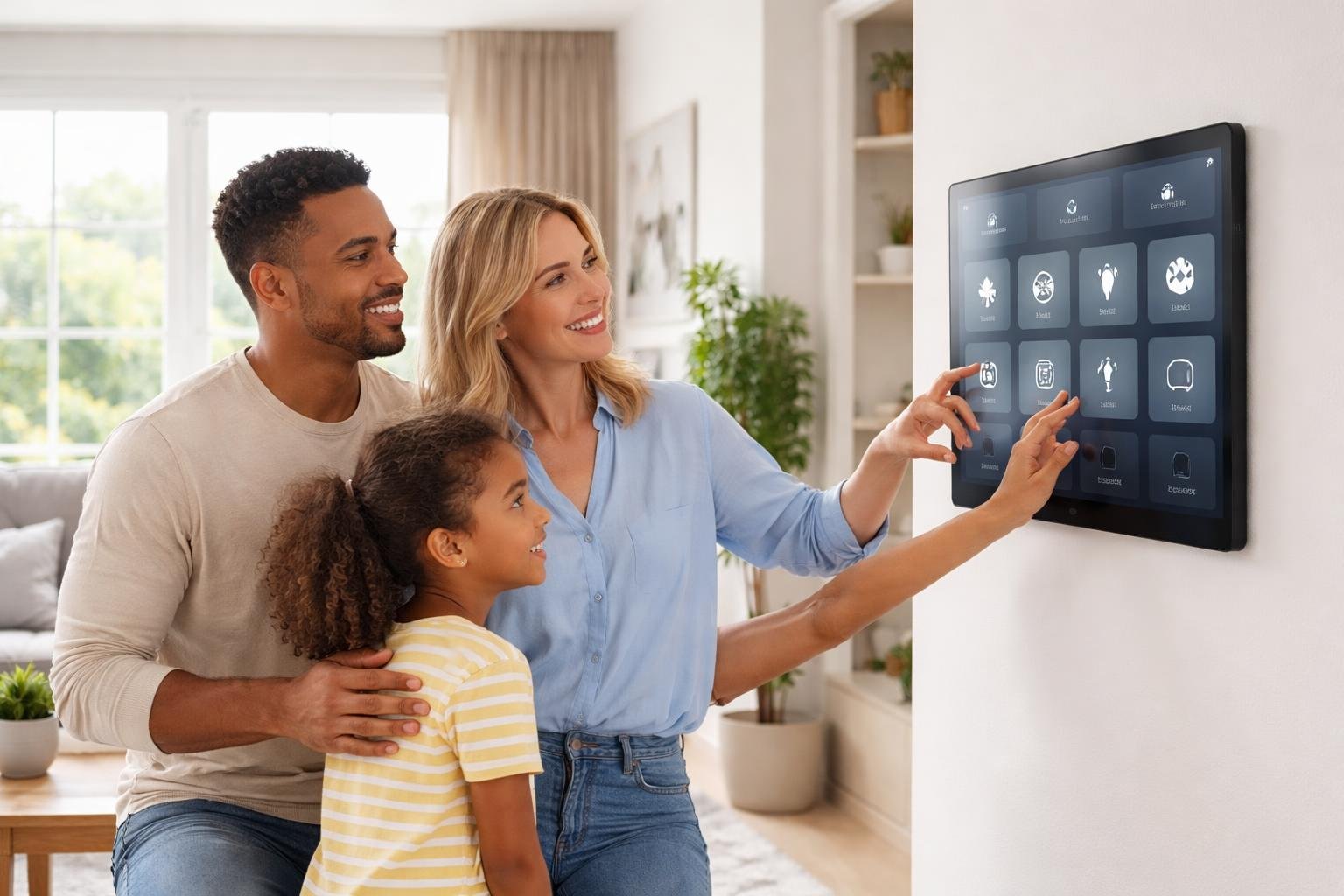
A whole home automation system connects all your devices and allows you to control them from one place, whether that's a touchscreen, your phone, or even your voice. You can adjust the thermostat, turn off lights, check security cameras, and control your entertainment system without juggling multiple apps or walking from room to room. The system learns your routine and can handle tasks automatically based on your schedule.
Getting your home under control doesn't require technical expertise or a complete renovation. You'll learn what makes these systems work, how to set one up in your space, and what to expect from the installation process. The right system makes daily tasks simpler and gives you more time for what matters.
What Is The One System That Makes Your Home Feel Finally Under Control?
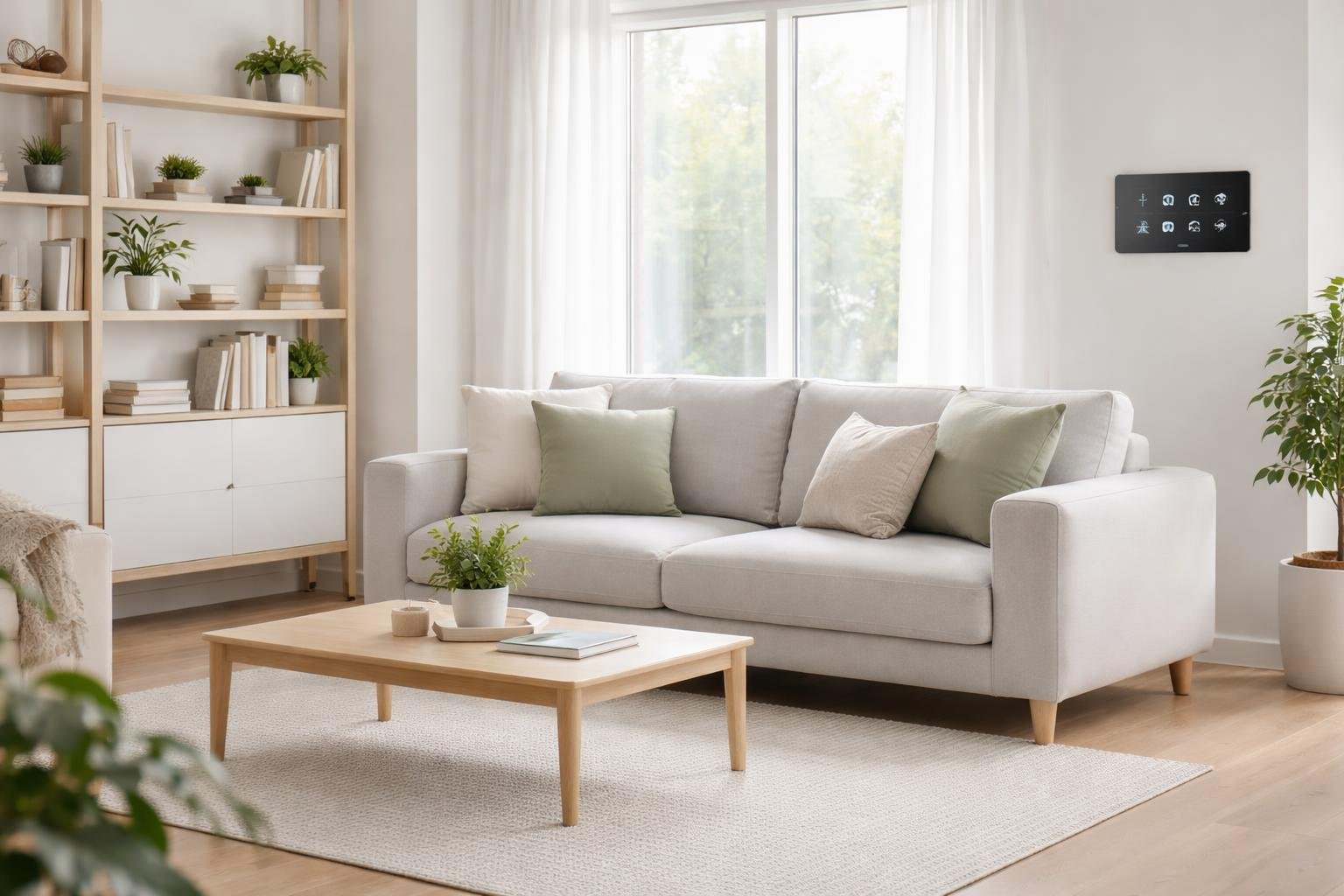
A smart home automation system connects all your devices through one central hub, letting you manage lights, security, climate, and entertainment from a single interface. This unified approach replaces the chaos of multiple apps and scattered controls with streamlined management.
Core Principles Behind The System
The system works through a central controller that links different technologies in your home. Your lights, thermostat, locks, cameras, and speakers all communicate through this hub instead of operating separately.
You control everything from one app on your phone or tablet. The hub translates commands between devices that normally wouldn't work together. This creates a network where your motion sensor can trigger your lights, or your door lock can adjust your thermostat when you leave.
The system learns your daily patterns over time. It notices when you wake up, leave for work, and go to bed. Based on these routines, it can automate tasks without you pressing buttons or giving voice commands.
Professional systems like Control4 integrate nearly every device in your house. DIY options like Home Assistant give you more hands-on control if you prefer to customize settings yourself.
Key Benefits For Home Organization
You eliminate the need to juggle multiple apps for different devices. One interface manages your entire home instead of switching between five or ten separate applications.
Energy efficiency improves because the system coordinates heating, cooling, and lighting based on occupancy and time of day. Your thermostat knows to lower temperatures when everyone leaves, and lights turn off in empty rooms automatically.
Security becomes simpler to monitor. You get push notifications for all your cameras, sensors, and locks in one place. You can check your front door camera and unlock it for a delivery person without opening three different apps.
Tasks synchronize across devices. When you set "goodnight mode," your system locks doors, arms security sensors, lowers the temperature, and turns off lights with one tap.
Comparison With Traditional Methods
Traditional homes require manual control of each system. You walk to the thermostat, flip light switches by hand, and check door locks individually before bed. Smart automation handles these tasks through scheduled routines or single commands.
Multiple standalone smart devices create app clutter. You might have one app for lights, another for your doorbell, and a third for your thermostat. A unified system puts all controls in one location.
| Traditional Method | Automated System |
|---|---|
| Separate wall switches and controls | Centralized app or touchscreen |
| Manual temperature adjustments | Automatic climate based on schedule |
| Individual device management | Group scenes and routines |
| No remote access | Control from anywhere |
| Static settings | Learning and adaptation |
The automation system responds to triggers and conditions. Your traditional light switch only turns lights on or off. An automated system can adjust brightness based on time of day, turn on lights when motion is detected, and switch them off when a room stays empty for ten minutes.
Implementing The System In Your Home
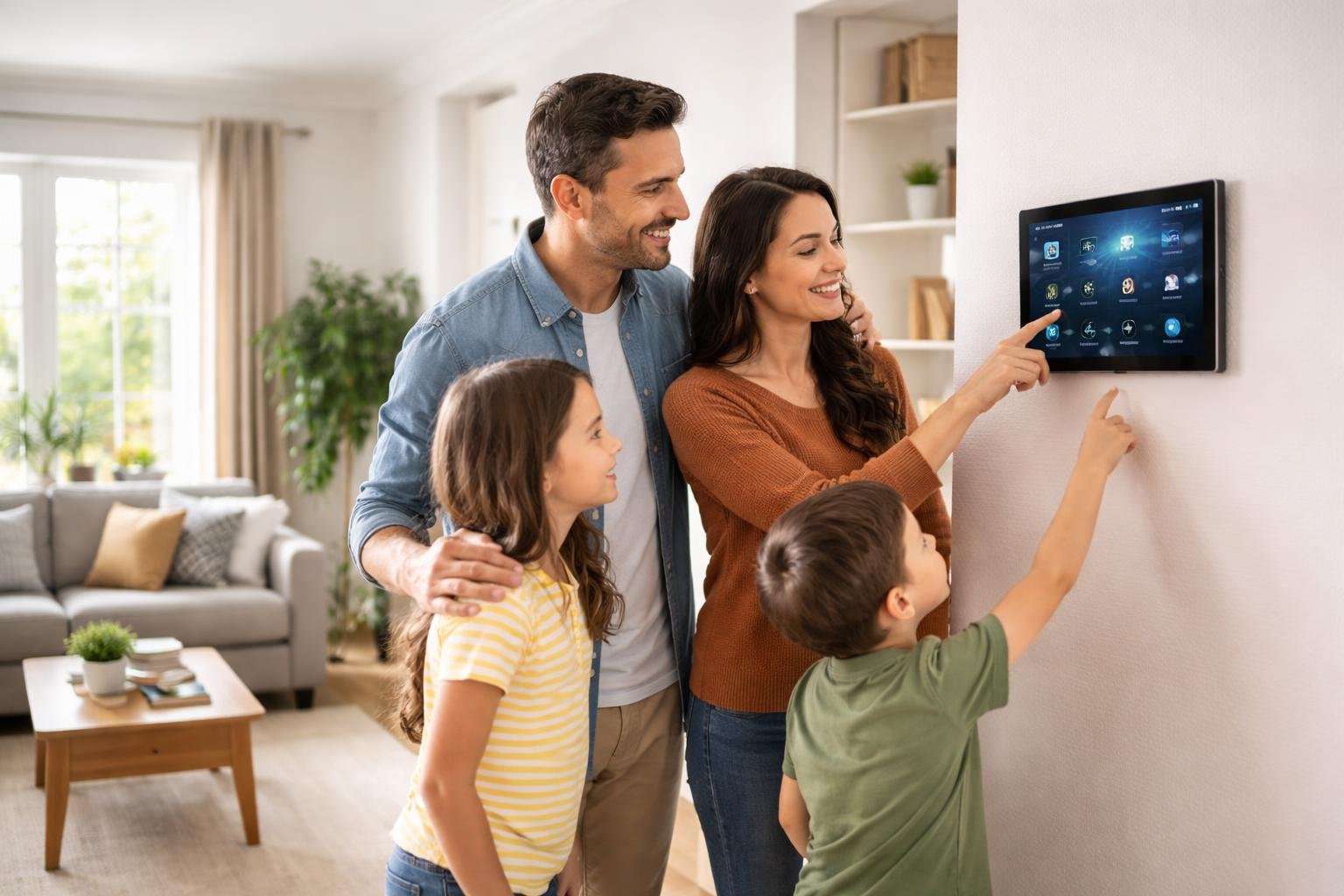
Breaking your home management system into phases prevents you from getting overwhelmed and quitting before you see results. Start with one room or routine, build confidence, and expand from there.
Step-By-Step Setup Process
Pick your starting point based on what causes the most stress in your daily life. This might be your kitchen, entryway, or morning routine.
Clear everything from that space or routine and sort items into three groups: keep, donate, and trash. Give every item you keep a specific home where it will always return after use.
Create a simple checklist for the routine tasks in this area. Write down each step in order. For example, a kitchen morning routine might include: empty dishwasher, wipe counters, check fridge for items needed.
Test your new system for one week without making changes. Track what works and what doesn't. After seven days, adjust the steps that felt awkward or took too long.
Add your second area only after the first one runs smoothly for two weeks. This gradual approach builds habits that stick.
Essential Tools And Resources
You need three basic items to start: a notebook or app for tracking tasks, containers or bins for grouping similar items, and labels for marking where things belong.
Key supplies include:
- Clear storage bins in multiple sizes
- Label maker or masking tape with permanent marker
- Calendar or planner (digital or paper)
- Timer for tracking how long tasks actually take
- File folders or binder for important papers
A simple timer helps you learn that most tasks take less time than you think. Most people find that making a bed takes 90 seconds, not five minutes.
Start with what you already own before buying new organizing products. Empty boxes, mason jars, and baskets work just as well as expensive containers.
Maintaining Long-Term Results
Schedule a five-minute reset each evening to return items to their assigned spots. This daily habit prevents clutter from building up again.
Review your systems once per month. Ask yourself what's working and what feels harder than it should. Small tweaks keep the system fitting your real life.
Weekly maintenance tasks:
- Check all high-traffic areas for items out of place
- Review upcoming week's schedule
- Restock frequently used supplies
- Clear out one small area (drawer, shelf, bag)
Plan a bigger review every three months as your needs change with seasons and life events. What works in summer might need adjustment in winter when everyone's indoors more.
Share the system with everyone in your home by showing them where items belong. Kids as young as three can follow picture labels and return toys to marked bins.
Frequently Asked Questions
Setting up a working home system brings up practical questions about where to start, how to maintain order, and what to do when life gets messy. The answers come down to clear processes, smart storage choices, and building habits that stick.
What are the essential steps to set up a home organization system that stays sustainable long term?
Start by choosing one room or zone to organize completely before moving to the next area. This approach gives you visible progress and helps you learn what methods work for your household.
Create specific homes for every category of items you own. Your keys go in one spot, your mail in another, and your cleaning supplies in a designated cabinet. When everything has a place, you can return items without thinking.
Label containers and shelves in areas where multiple people access items. Clear labels remove guesswork and make it easy for anyone to put things back correctly.
Build in buffer space in your storage areas. Fill shelves and drawers to only 80% capacity so you have room to put things away quickly without forcing items to fit.
Which daily and weekly routines prevent clutter from building back up?
Do a 10-minute reset each evening before bed. Walk through main living areas and return items to their designated spots.
Sort mail immediately when you bring it inside. Recycle junk mail, file important documents, and handle bills right away or place them in your action folder.
Run one load of laundry per day if you have a family. This prevents the overwhelming pile-up that happens when you wait until the weekend.
Clear kitchen counters after each meal. Wipe surfaces, load the dishwasher, and put away ingredients as you cook.
Schedule a weekly 30-minute declutter session on the same day each week. Focus on high-traffic zones like entryways, kitchen counters, and family rooms.
How do I decide what to keep, donate, or discard without getting overwhelmed?
Ask yourself when you last used each item. If you haven't used something in a year and it's not seasonal or sentimental, you can likely let it go.
Keep duplicates only when you actually use multiple versions. Three spatulas might make sense if you cook large meals, but you don't need five half-empty bottles of the same cleaner.
Take photos of sentimental items you want to remember but don't need to store. This works well for kids' artwork, old cards, and decorative items that don't fit your current space.
Start with easy categories like expired products, broken items, and obvious trash. Building momentum with simple decisions makes harder choices feel more manageable.
Set a specific number limit for categories that tend to multiply. Decide you'll keep 20 mugs, 10 food storage containers, or 5 throw blankets, then stick to that number.
What storage solutions work best for high-traffic areas like entryways, kitchens, and living rooms?
Install hooks near your front door for keys, bags, and coats. Wall-mounted hooks take up no floor space and keep items visible and accessible.
Use a shoe tray or cabinet in your entryway to contain outdoor footwear. This stops dirt from spreading through your home and gives shoes a clear spot.
Place open bins or baskets in living areas for items that move around daily. Remote controls, charging cables, and reading materials stay contained but remain easy to grab.
Add drawer dividers to kitchen drawers where small items mix together. Utensils, batteries, and cooking tools stay separated so you can find what you need quickly.
Choose furniture with built-in storage for living rooms. Ottomans with lids, coffee tables with shelves, and TV stands with cabinets hide clutter while serving a purpose.
How can I get everyone in the household to follow the system consistently?
Make the system simple enough that a tired person can follow it at the end of a long day. Complicated sorting or multi-step processes fail when people are exhausted.
Involve household members in creating the system from the start. People follow rules they helped make better than ones imposed on them.
Use visual reminders in the first few weeks. A small sign on the counter saying "Mail goes in the basket" helps until the habit forms.
Set up kid-friendly storage at their height level. Children can put away their own belongings when they can reach the storage spots without help.
Address problems as soon as you notice the system breaking down. If shoes pile up by the door, the shoe storage might be too far away or too complicated to use.
How do I organize paperwork, mail, and digital files so nothing important gets lost?
Create a simple paper filing system with folders for insurance, medical records, tax documents, warranties, and household bills. Keep only current documents and shred outdated papers annually.
Designate one inbox spot for incoming mail and papers that need action. Process this inbox weekly at minimum so nothing urgent gets buried.
Take photos of receipts you might need and store them in a dedicated folder on your phone. This eliminates paper receipts cluttering your wallet or counters while keeping records accessible.
Set up automatic bill payments for recurring expenses. This eliminates paper bills and removes the mental load of remembering due dates.
Name digital files with dates and clear descriptions. A file called "2026-03-Insurance-Home" is far easier to find later than one labeled "Document."
Use one cloud storage system for all family documents. When everyone knows to check the same place, you avoid lost files and endless searching.