



How to Choose Storage That Actually Lasts
March 22, 2026
Choosing the right storage is not just about price or size. You want storage that keeps your files safe for many years. The wrong choice can cause lost photos, schoolwork, or other important files.
The best storage for long-term use depends on how you will use it, how much you can spend, and whether you need speed or reliability. Hard disk drives, solid-state drives, and cloud storage each have different pros and cons. Some are good for files you open often. Others are better for keeping data safe for years.
This guide will explain what makes storage last and how to pick the right type. You will get simple tips to protect your data and make a smart choice.
Understanding Key Factors for Long-Lasting Storage
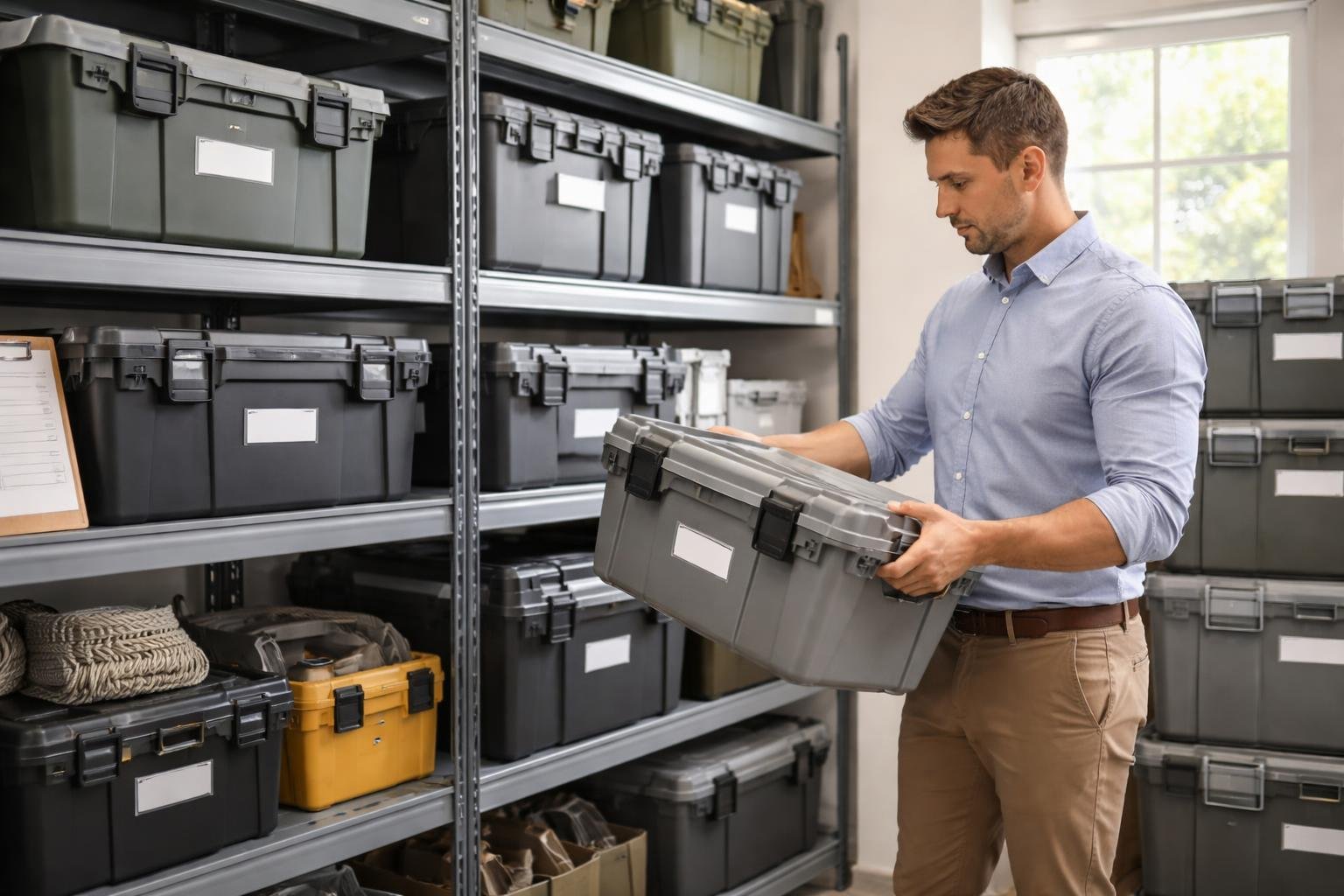
Storage that lasts means choosing the right materials, protecting items from the environment, using strong designs, and keeping things clean and dry. These ideas together decide if your storage will protect items for months or many years.
Material Durability and Quality
The material of a storage container affects how long it will last. Plastics like high-density polyethylene (HDPE) and polypropylene are harder to crack and break than cheap plastics. They also resist damage from sunlight and air longer.
Metal containers such as steel or aluminum are very strong but can rust if not protected. Galvanized steel and powder-coated finishes help stop rust and add years to the container's life.
For paper or photo storage, use acid-free boxes and folders to keep documents from getting yellow or falling apart. For digital storage, choose higher-quality parts. Solid-state drives (SSDs) with better memory chips usually last longer than low-end models.
Thicker material and reinforced corners make containers hold up to bumps and heavy loads. A container that looks sturdy at first can fail after a few years if it is made of thin, weak material.
Resistance to Moisture and Temperature Changes
Moisture is one of the biggest dangers for long-term storage. Water can destroy papers, make metal rust, and cause mold on fabric and other organic items.
Choose containers with tight lids that have gaskets or weatherstripping. These seals help keep moisture out, even in damp basements or garages. Some containers come with desiccant packs or vents that help control humidity inside.
Big changes in temperature also cause problems. Materials expand and shrink when it gets hot or cold. That movement can weaken joints, cause cracks, and damage fragile items. Good long-term storage is made to handle these temperature changes without falling apart.
Key protective features:
- Weatherproof seals
- UV-resistant materials
- Insulated walls to keep temperatures steady
- Raised bottoms to avoid ground moisture
Electronic storage devices are sensitive to temperature. Hard drives and discs last longest between 50–77°F. Using cloud storage avoids these climate problems because data is kept in climate-controlled data centers.
Load and Weight Capacity
Every storage container has limits on how much weight it can hold. If you put in too much weight, the container can crack, break, or collapse.
Always check the maker's stated weight limit before you fill a container. Good-quality bins list their maximum load. A normal plastic bin usually holds 30–50 pounds safely. Heavy-duty bins can support 75 pounds or more.
Stacking bins adds extra pressure to the ones on the bottom. The lowest bin in a stack takes the weight of everything above it. When you stack, add up the weight of both the items and the containers themselves.
Weight capacity considerations:
| Storage Type | Typical Capacity | Best For |
|---|---|---|
| Standard plastic bins | 30–50 lbs | Clothes, linens, light items |
| Heavy-duty bins | 75–100 lbs | Tools, books, dense items |
| Metal shelving | 200–500 lbs per shelf | Heavy equipment, bulk storage |
Reinforced bottoms and support ribs make containers stronger. Commercial-grade containers usually have higher weight ratings than household ones.
Ease of Maintenance
Storage that needs constant care usually does not last. Simple routines are better than hard-to-follow tasks.
Smooth surfaces are easy to clean and do not hold dirt or water. Textured surfaces may look nice but can trap mold and grime. Containers you can wash with soap and water or wipe down quickly will stay in good shape longer.
Parts you can remove and replace make storage last longer. If a lid, seal, or handle breaks, you can swap it instead of throwing the whole container away. Some makers sell spare parts separately.
Check your storage often to find problems early. Look for cracks in seals, moisture inside, or weak spots in structure. Small fixes now stop big problems later.
For digital storage, upkeep means checking your files. Turn on external hard drives every few months so parts do not sit unused. For cloud storage, keep an eye on your subscription and make sure your backups still work.
Selecting the Right Storage Solution
Pick the best storage based on where you will use it, what features you need, and whether the maker offers good guarantees.
Assessing Storage Needs and Environment
First, estimate how much you need now and in the next two to three years. Someone who works with documents and photos may need 250GB to 500GB. Video editors and gamers often need 1TB or more.
Think about where you will keep the storage. Drives left in hot cars or damp basements fail faster than those kept in rooms with stable temperature. Extreme heat or cold can damage hard drives and SSDs. SSDs handle movement and vibration better than hard drives.
Also think about how you use files. If you need access from many devices, cloud storage is a good choice. If you open large files often from one computer, a local SSD is faster.
Your budget matters, but so does time. Cheap storage that fails in a year can cost more in the long run than better storage that lasts five years, especially when you add the time and stress of replacing it and restoring data.
Comparing Popular Storage Types
SSDs (Solid State Drives) have no moving parts. This makes them faster and less likely to break from drops or bumps. They cost more per gigabyte. Use them for your operating system, apps, and files you open often.
HDDs (Hard Disk Drives) use spinning disks inside. They cost less per gigabyte than SSDs. For example, a 2TB hard drive can cost about the same as a 500GB SSD. They are good for backups and large collections of photos, videos, or music that you do not use every day. HDDs can fail if dropped.
Cloud storage keeps files on servers you reach through the internet. You usually pay a monthly fee. Cloud storage protects you from local problems like fire or theft, but you need internet and must trust the provider’s security and uptime.
NAS (Network Attached Storage) devices sit on your home network. They let multiple people in your home access files. NAS costs more at first but can save money over time because you do not pay monthly cloud fees. You also control your own data.
Checking Warranty and Customer Reviews
Look at the warranty length before buying. Good SSDs usually have three to five year warranties. Cheap drives may only have one year. A longer warranty often means the maker trusts the product.
Read recent customer reviews from the last six months. Watch for repeating issues. One bad review is not a sign of a bad product, but many people reporting the same problem is a warning.
See how companies handle warranty claims. Some make you fill out many forms or pay return shipping. Others send a replacement quickly. Reviews that mention the claim process can be helpful.
Compare the maker’s stated lifespan with real user reports. For example, an SSD rated for 600TBW (terabytes written) should last years for a normal user. But reviews can show if drives fail earlier than expected.
Comparing Popular Storage Types
SSDs (Solid State Drives) have no moving parts. That makes them faster and less likely to fail from drops. They cost more per gigabyte but are best for your operating system, programs, and files you open a lot.
HDDs (Hard Disk Drives) use spinning disks. They cost less per gigabyte. For example, a 2TB HDD can cost about the same as a 500GB SSD. They are good for backups and big collections of movies or photos you do not use often. They can break if dropped.
Cloud storage stores your files on other companies' servers. You usually pay a monthly fee and need the internet to get your files. It helps if something bad happens at your home, like a fire, but you must trust the company's security and uptime.
NAS (Network Attached Storage) connects to your home network so several people can use it. It costs more at first but gives you control over your files and avoids monthly cloud fees.
Checking Warranty and Customer Reviews
Look at the warranty before you buy. Good SSDs often have three to five year warranties. Cheaper drives may have only one year. A longer warranty shows the maker trusts the product.
Read recent customer reviews from the last six months. Watch for the same complaints over and over. One bad review is not enough, but many similar problems mean trouble.
See how companies handle warranty claims. Some make you jump through many steps or charge to ship the drive back. Others replace drives fast and with little hassle. Find reviews that talk about the warranty process.
Also compare the maker's lifespan numbers with real user reports. An SSD rated for 600 TBW (terabytes written) should last many years for most people, but user reviews can show if drives fail earlier than expected.
Frequently Asked Questions
If you want to learn how to choose storage that actually lasts, focus on a few simple things: the build quality, the working conditions, and how you will use it over time. Your choice also depends on the kind of data you have and your budget.
What factors should be considered when selecting durable storage solutions?
Start with build quality. Strong materials and good construction last longer than cheap parts.
Think about where you will keep the device. Very hot, very cold, or humid places can damage storage. Also check the manufacturer's rating for read/write cycles—this tells you how many times data can be written before the device wears out.
Budget matters, but don't pick the cheapest option if it will fail quickly. Look at user reviews and tests to see how devices hold up over time.
How does the type of data affect the choice of long-term storage options?
Large files like videos and photos need high capacity and fast transfers. Small files like documents use less space but still need good backups.
If you use files often, choose storage that handles many read/write cycles. SSDs handle frequent use better than old-style hard drives. If you store files rarely, a hard drive can be cheaper and last longer if kept in good conditions.
If the data is private or sensitive, use encrypted storage. Some drives include hardware encryption to keep files safe without slowing the device down.
What are the signs of a reliable and long-lasting storage device?
A good storage device has clear signs you can check before buying. Look at the Mean Time Between Failures (MTBF). This number estimates how many hours the device runs before it might fail. A higher number means better reliability.
Choose devices with error correction and health monitoring. SMART (Self-Monitoring, Analysis, and Reporting Technology) warns you if a drive might fail. That gives you time to save your files elsewhere.
Check the warranty length. A longer warranty usually means the maker expects the device to last. For example, a five-year warranty is often better than a one-year warranty.
Which storage technologies are known for their longevity and reliability?
Enterprise hard drives last longer than regular consumer drives. They use stronger parts and are built for constant use. SSDs with SLC (Single-Level Cell) or MLC (Multi-Level Cell) flash generally live longer than cheaper TLC (Triple-Level Cell) SSDs.
Tape storage is very durable for long-term backups. If stored correctly, tapes can last 30 years or more. But you need special machines to read and write them.
Network-attached storage (NAS) systems are reliable because they use several drives together. If one drive fails, the others keep your data safe. Cloud storage also protects data but needs an internet connection and a subscription to keep working.
How important are manufacturer warranties and guarantees in assessing storage lifespan?
Warranties tell you how long the maker thinks the storage will work. A longer warranty often means the product uses better parts and testing. Use the warranty length as a basic idea of how long the device may last.
Read the warranty rules closely. Some warranties only replace the hardware and do not cover lost files. Others include data recovery, which can be very helpful.
Extended warranties can be worth it for important data. Paying more can protect you if the device fails after the normal warranty ends.
What maintenance practices can help extend the life of storage hardware?
Regular care helps storage devices last longer. Keep drives clean and free of dust because dust can cause overheating. Try to keep the storage area between 60–75°F (15–24°C) and avoid high humidity.
Run health checks monthly. Many operating systems have built-in tools, or you can use free tools from the drive maker. These checks find problems early.
Update firmware when the maker releases new versions. Firmware updates fix bugs and can make devices run better. For external drives, always use the safe-eject option before unplugging to avoid file damage.
Do not fill drives completely. Leave about 10–15% free on SSDs and about 20% on hard drives. Free space helps the drive work efficiently and reduces wear.